


While Feeld’s core features, like connecting and chatting, are free for everyone, we also offer a premium membership we call Majestic. Because, well, it is.
Majestic is Feeld’s one and only paid membership tier, offering premium features alongside all your current free-to-access favorites. It’s designed for members who want a little more control, visibility, and flexibility while exploring on Feeld.
Majestic membership features
What can Majestic members do that others can’t? Signing up to Majestic unlocks the following additional possibilities:
- See everyone who’s liked you (and filter likes by preferences)
- Unlimited likes
- One included Ping every day
- Extended likes history
- A second look at dislikes
- Incognito mode
- Private photos
- Advanced filters
- Last Seen
- Undo a dislike
Peek behind the curtain—see who’s liked you
Waiting to see if someone likes you back can be a thrilling experience. But if you’re craving more certainty, Majestic members can see everyone who has already hit that like button, and reciprocate likes to whoever catches their attention—for instant connection.
Explore without constraint—unlimited likes
Don’t hold back. Like until your fingers hurt.
Free members have a limited number of likes each day, but Majestic members can keep exploring for as long as they want. No stopping just because you hit a limit.
Swing big—one included Ping every day
Found The One? Want to be sure they notice you? Send a Ping. This’ll get their attention by sending them a push notification and landing you at the top of their Pings page. And if they allow it, you can even include a personal note.
Majestic includes one Ping per day, but they don’t roll over. Pings are best used wisely and thoughtfully.
Think again—unlimited history
History features give you a chance to rethink some of your past choices on Feeld. Majestic members get a full 7 days to rethink some of their recent likes (free members can see profiles liked in the last 24 hours). This gives you the chance to upgrade that like to a Ping to get their attention.
Majestic members can also take a second look at a selection of recent dislikes (5 at a time) and, if the vibe has changed, switch them to a Like.
Majestic offers time to change your mind.
Keep a low profile—go incognito
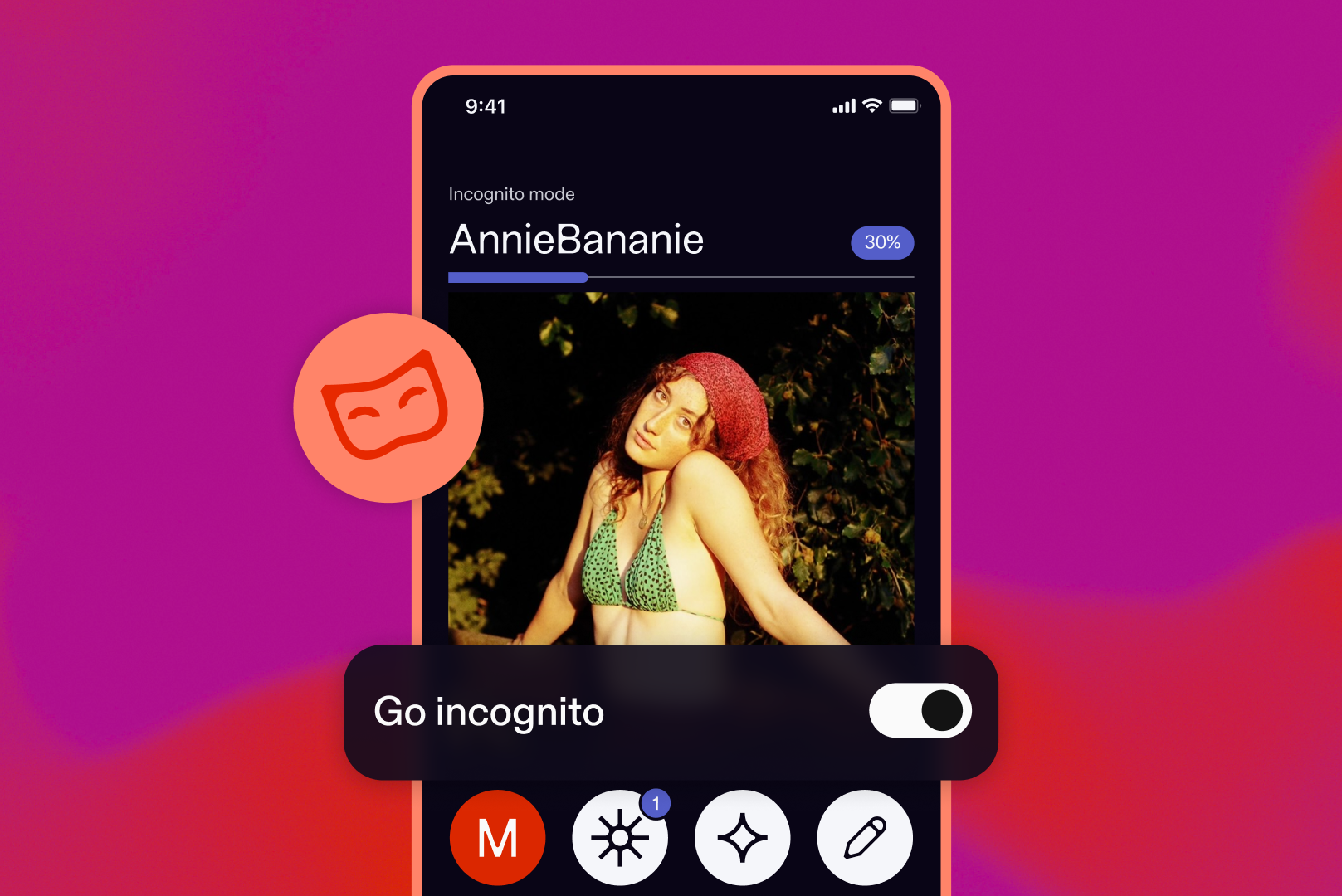
Shy? Incognito mode lets you peruse profiles without being shown in the Discover feed. Only members you like or Ping first will see you and have the chance to connect.
To turn on incognito mode:
- Open Feeld and tap Edit profile
- Scroll to see Privacy settings
- Toggle incognito mode on
Once it’s enabled, you’ll stay hidden in Discover unless you decide to make the first move.
Show off for the chosen ones—private photos
Keep some pictures in your gallery blurred until you connect. All photos need to follow our community guidelines, but holding back a little can be great for sparking intrigue and conversation.
To make a photo private:
- Tap Edit profile and then Edit photos
- Select the photo(s) you want to blur for non-connections, and tap Make private
Your private photos stay blurred until you choose to share them by making a connection.
Zero in—advanced filters
We’re all searching for something. Majestic members get extra filters to help narrow down the crowd. Filter members by desires and “recently online” in the Discover feed (meaning you’ll only see members who have been active in the last 7 days).
The more specific you get, the easier it is to find people looking for similar things.
Look for those who are actively looking—Last Seen
We rarely want to wait for connection. So knowing who’s been recently active and engaged on Feeld is a helpful hint when choosing who to pursue.
Majestic members can see when other members were last active, helping you focus your energy on people who are currently exploring and connecting.
Fix finger-fumbles—undo a dislike
Maybe your finger slipped, or maybe you’re just more flexible than you first thought. Either way, Majestic members can undo their most recent dislike.
How to sign up for Majestic
Ready to unlock Majestic? Turning it on only takes a minute.
- Open Feeld and tap Settings
- Tap Upgrade to Majestic
- Choose the membership plan that works for you
- Follow the prompts on your device to complete the purchase
That’s it. Your Majestic features will be ready to use right away.
Whether you want more visibility, more privacy, or just a little more room to explore at your own pace, Majestic is designed to give you more control over how you connect on Feeld.
And if you’re not ready for Majestic yet? That’s fine too. Feeld’s core experience will always be free for everyone.


